Layer 1

How to get Snap Certified!

FAQs for login and completion


This mailbox is actively managed Monday - Friday 8am to 4pm MST


How do I access the training?

  1. 1.Salespeople Profile - From your Merchant Portal, ensure you have a Salespeople profile
    • If not, you can be added by accessing the 'Admin' dropdown, then 'Salespeople'
  2. 3.Email Address - VERY IMPORTANT - Your profile must have a unique email address, not shared by anyone else in the Merchant Portal
    • Please note: Your email address will be used to track your Snap Learning certification only and will not be given to a third-party
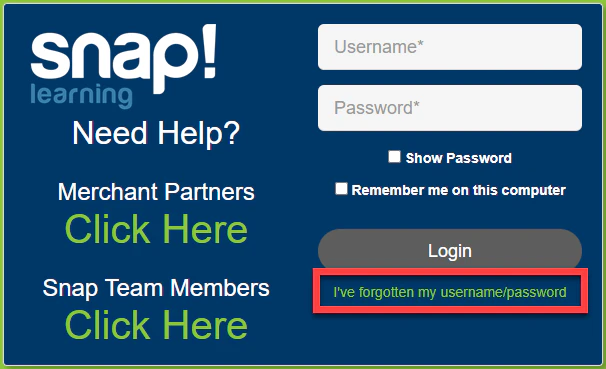
  3. 6.Go to https://snapfinance.litmos.com/account/Login
  4. 7.Click 'I've forgotten my username/password'
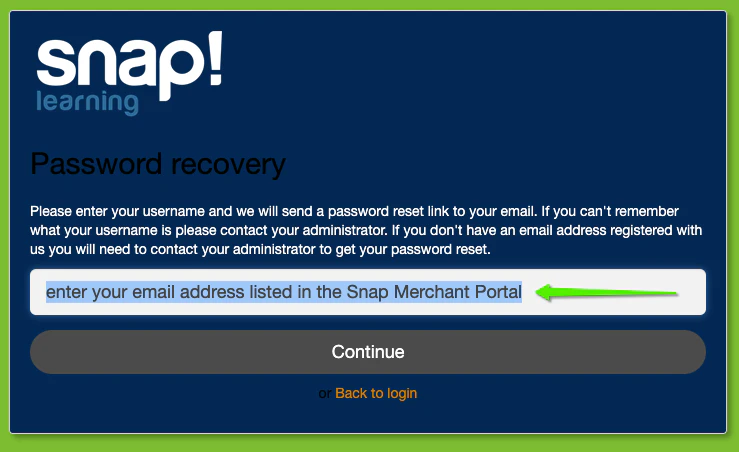
  1. 5.Use your Salespeople email address from the Merchant Portal as your username, then select 'Continue'
    • Remember, the email address must be unique to you
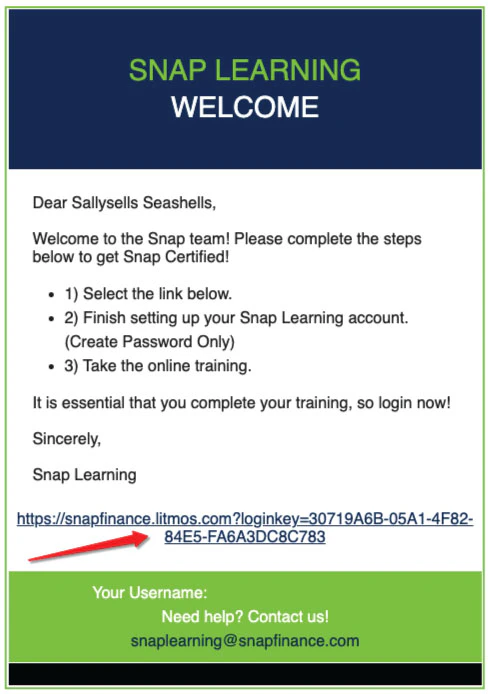
  1. 6.Check your email inbox for an email from SnapLearning@snapfinance.com and click the link to create your password
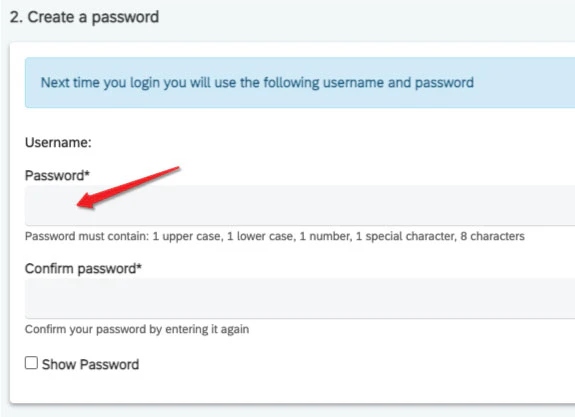
  1. 7.Create a password
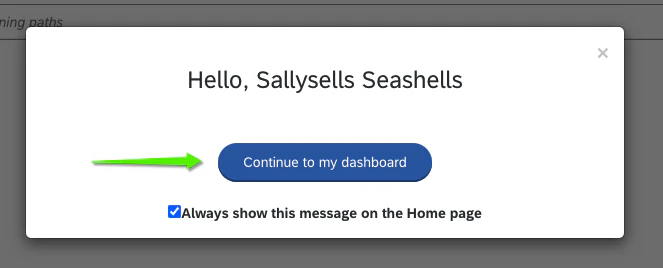
  1. 8.Select 'Continue to my dashboard'
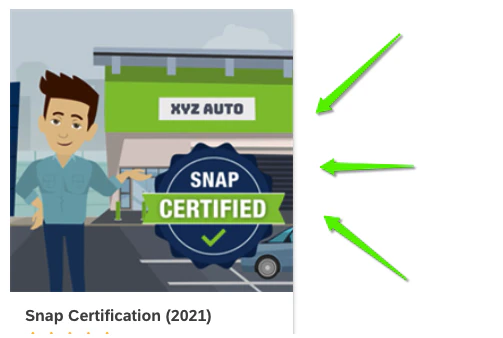
  1. 9.Click on the 'Snap Certification (2021)' icon
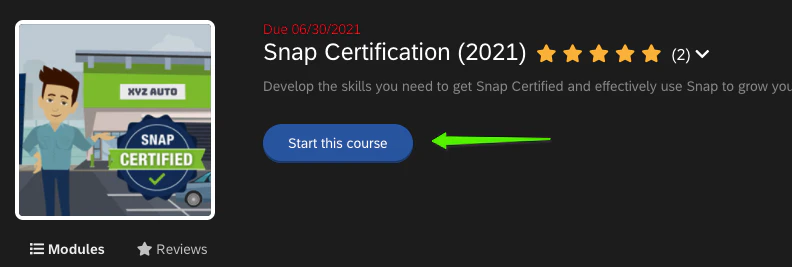
  1. 10.Select 'Start this course'


Additional Questions

Will changing Snap Learning info change Merchant Portal?

No. Will not change your Merchant Portal password and is completely independent from the Merchant Portal process.

Email Process

  • You will get 2 launch emails - welcome to snap learning, log in to the training.
  • If you are using a personal email, it will come to your phone or where ever you access your personal email.